

Why should I use Bright Data's SERP API?
Why should I use Bright Data's SERP API?
How to use SERP API for "Google Search By Image"?
How to use SERP API for "Google Search By Image"?
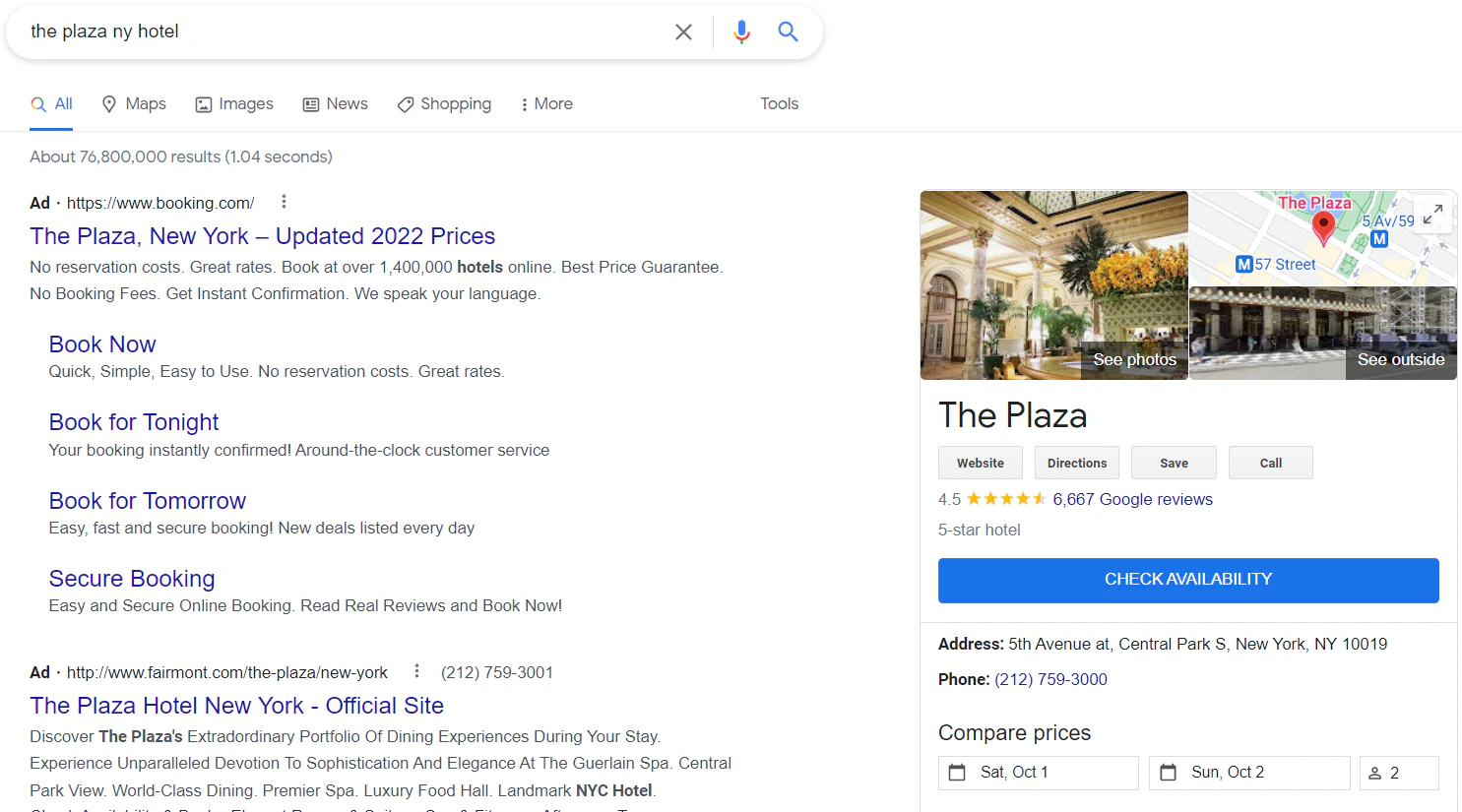
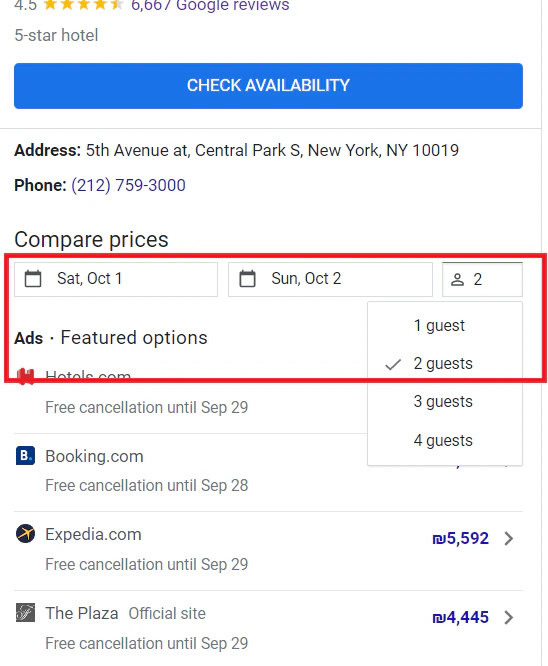
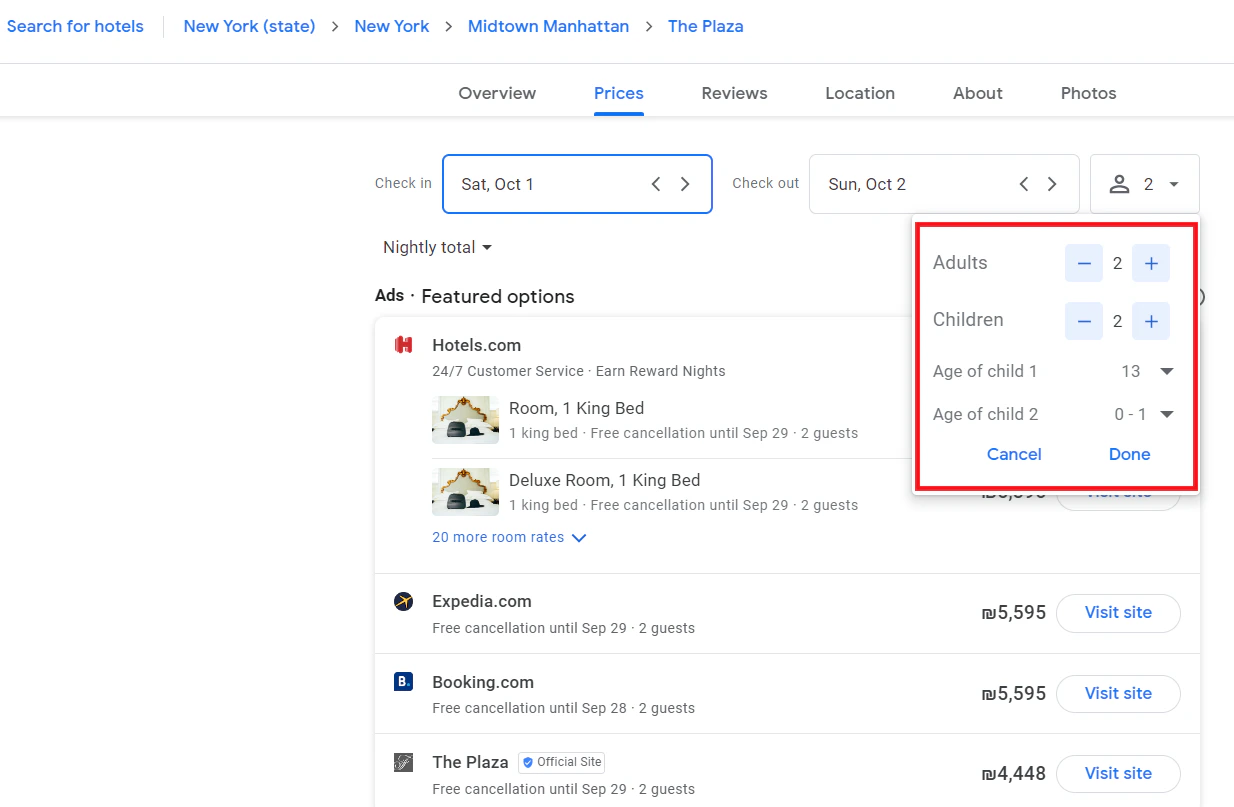
How to collect hotel data with SERP API?
How to collect hotel data with SERP API?
- Google Search Hotel Knowledge
- Google Travel Hotel page
How to send SERP API HTTPS requests without SSL Certificate?
How to send SERP API HTTPS requests without SSL Certificate?
How to sending HTTPS requests with SSL validation?
How to sending HTTPS requests with SSL validation?
- Shell
- Java
- Other Programming Languages
cacert flag followed by the certificate file path:How to parse JSON with SERP API?
How to parse JSON with SERP API?
How to send multiple queries in an identical API request?
How to send multiple queries in an identical API request?
multi parameter.These parallel requests use the same peer IP and session and can be used for collecting additional data, comparison tests, etc. - e.g., making a pair of requests with different parameters/values. They use the same IP and session.- Supported only for a zone with asynchronous requests enabled
- Supported only for Google Search
- Limited to 2 requests
- Billed as 2 requests
I saw that Google is making some changes to SERP results. Are you going to continue to support the SERP 'num' parameter?
I saw that Google is making some changes to SERP results. Are you going to continue to support the SERP 'num' parameter?
So, will there be any change to pricing due to this new feature?
So, will there be any change to pricing due to this new feature?
What are common use cases for SERP API?
What are common use cases for SERP API?
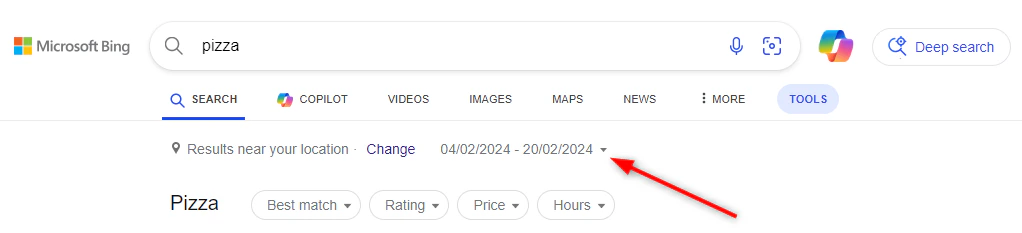
How to query Microsoft Bing with dates filter?
How to query Microsoft Bing with dates filter?
Types of Date Filter Queries
- All dates
- Past 24 hours
- Past week
- Past year
- Exact Match
Determining the Sequence String for “Exact Match” Query
To perform an Exact match date search, you need to calculate the sequence string for your desired date range. Follow these steps to determine the sequence string.Use known sequence as a “Starting Point”
19723Calculate StartDateSequence
- Count the days from January 1 to your desired starting date.
-
Add the number of days counted to the sequence number of January 1 to get the
StartDateSequence.
Example:
To calculate the sequence number for February 4, 2024:
- Total days from January 1 to February 4: 35 days
- 35 - 1 (counting starts at “0”) = 34
- February 4, 2024: 19723 (Jan1) + 34 = 19757 (
StartDateSequence)
Calculate EndDateSequence
StartDateSequence to get the EndDateSequence.Example:
To calculate the sequence number for February 20, 2024:
- February 4, 2024: 19757
- Days from February 4 to February 20: 17 days
- 17 - 1 (counting starts at “0”) = 16
- February 20, 2024: 19757 + 16 = 19773 (
EndDateSequence)
Form the Sequence String
- Use the format
ez5_StartDateSequence_EndDateSequence - Replace
StartDateSequencewith the sequence number calculated above for the starting date. - Replace
EndDateSequencewith the sequence number calculated above for the ending date.
Example: For February 4, 2024, to February 20, 2024:
- Calculated
StartDateSequence: 19757- Calculated
EndDateSequence: 19773- Sequence string:
ez5_19757_19773- URL for query
pizza:
https://www.bing.com/search?q=pizza\&filters=ex1:“ez5\_19757\_19773”
Why am I getting the error: "400 this endpoint is not supported"?
Why am I getting the error: "400 this endpoint is not supported"?
https://trends.google.com/trends Is not supported while https://trends.google.com/trends/explore Is supported.To see a list of working examples of domains and paths that are supported, we highly recommend that you check the SERP Playground and the SERP Documentation.How can I see more ads in Google search results using the SERP API?
How can I see more ads in Google search results using the SERP API?
- Retrieves both organic search results and ads across a broad geographical scope. With Enhanced Ads Enabled:
- Expands the range of search results and ads, simulating an incognito browsing experience without cookies.